
Beyond the Beginner: Taking Your Midjourney Art to the Next Level
May 14
3 min read
0
0
0

So, you've moved past the initial excitement of generating beautiful images with Midjourney and you're ready to refine your artistic process. This guide is here to help you transcend the basics and start creating truly stunning, personalized AI-generated art. We'll explore advanced techniques and unleash the hidden power of Midjourney's most powerful features.
Beyond Simple Prompts: Crafting Detailed Visions
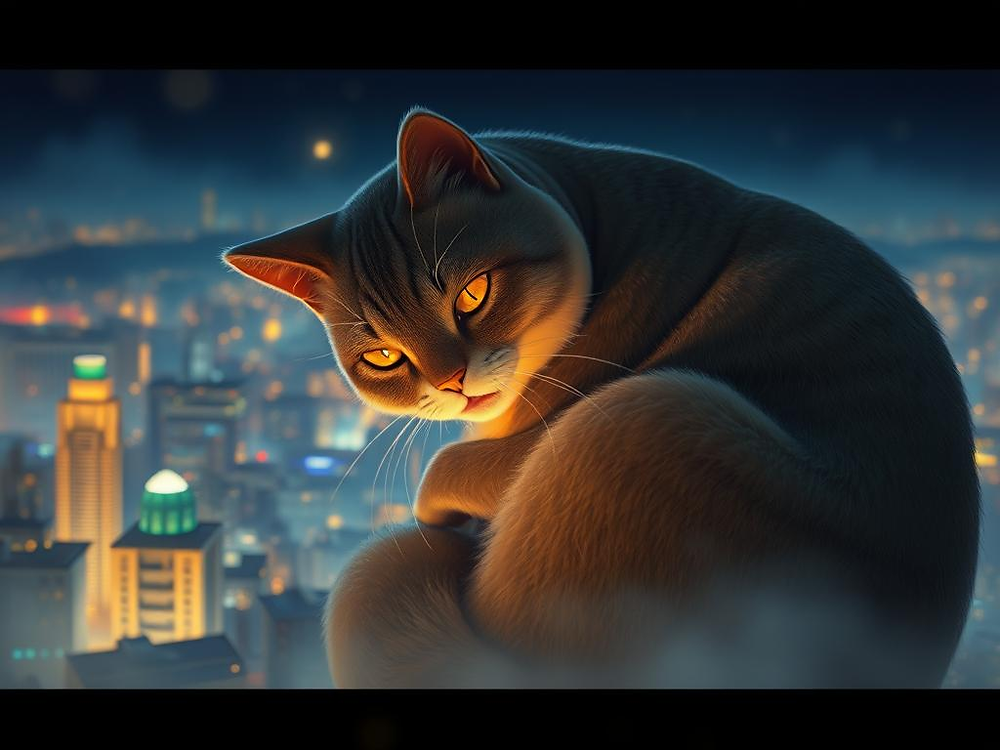
Moving beyond basic text-to-image prompts can feel like a leap, but it’s essential for achieving more specific and nuanced results. Instead of just saying "a cat," try describing the cat's breed, fur texture, color, pose, and even its mood. Consider the environment, lighting, and overall mood you want to evoke. The more detail you provide, the closer Midjourney can get to your vision.
Think of your prompt as a script for a movie. What does the scene look like? What is the subject doing? What time of day is it? What is the overall atmosphere? The more descriptive you are, the more control you have over the final image.
Understanding Parameters for Finer Control
Delve into Midjourney's array of parameters to fine-tune your outputs. Parameters are simple commands added to your prompt that influence various aspects of the generated image. These tools allow you to manipulate ratios, stylization levels, randomness, and more.
`--ar`: Aspect Ratio adjusts the image dimensions. Want a wide panoramic view? Use `--ar 16:9`. Looking for a classic square? `--ar 1:1` is your friend.
`--sref`: Style Reference. This powerful parameter allows you to guide your artistic vision by incorporating the style of an existing image. Simply provide the image URL after this command.
`--sw`: Style Weight. When using `--sref`, this sets how much influence the style image has on the generated result. Higher values mean the style image has a stronger effect.
`/blend`: This command allows you to combine up to 5 images into a unique fusion. It's a fantastic way to blend different concepts or styles.
`--niji`: This parameter specializes in anime and illustrative styles, perfect for those looking for a more graphic or stylized output.
`/describe`: Can't find the right words to describe your vision? This helpful command will generate prompt suggestions based on an image you provide. It's a great starting point for discovering new descriptive language.
`--v`: Version. Midjourney is constantly evolving, and each version offers different styles and features. Experimenting with different versions can lead to unexpected and exciting results.
Exploring these parameters opens up a world of possibilities for controlling the creative process and achieving more refined and intentional artwork.
Leveraging Multiple Images with Multi-Prompting
Multi-prompting is your key to combining different concepts or subjects within a single image. By using double colons `::` to separate different parts of your prompt, you can assign weights to each element, controlling their influence on the final output. This allows you to intricately blend ideas and create complex compositions.
Remix and Variation: Iteration is Key
Don't stop at the first generation! The Remix mode is a powerful tool for iterating on your designs. By selecting variations of an image (`V1`, `V2`, `V3`, `V4`), you can then modify the prompt, allowing you to make subtle tweaks or significant changes based on a generated image you already like. This iterative process is crucial for refining your ideas and honing in on the perfect result.
Advanced Techniques Beyond the Basics
As you gain experience, explore more advanced techniques. Consider using negative prompts (`--iw 0 --no [objects to exclude]`) to remove unwanted elements from your image. Experiment with different lighting parameters (`--style raw`) to control the mood and atmosphere. Research specific artistic styles, photographers, or movements and incorporate their influences into your prompts.
Streamline Your Workflow with Automation Tools
While learning the nuances of prompting and parameters is essential, managing numerous prompts and variations can become time-consuming. Consider leveraging tools like the Midjourney Automation Suite from TitanXT. This platform can help you organize prompts, track previous generations, and potentially automate repetitive tasks, freeing you up to focus on the creative aspects of your workflow.
The Midjourney Automation Suite is designed to help artists manage their Midjourney projects more efficiently. By centralizing your prompts and generations, you can easily revisit successful iterations and experiment with new ideas without losing track.
Continuous Learning and Experimentation
The world of AI image generation is constantly evolving. Stay curious, experiment with new techniques, and don't be afraid to try unconventional prompts. Join online communities, share your work, and learn from others. Continuous learning is key to expanding your capabilities and pushing the boundaries of what you can create with Midjourney.
Ready to take your Midjourney creations to the next level? Explore the techniques and parameters discussed here, experiment with different approaches, and consider how tools like the Midjourney Automation Suite from TitanXT can help streamline your creative process.


