

Bring Your Vision to Life: A Simplified Guide to Making AI Movies
- kylixie
- Jul 29, 2025
- 3 min read
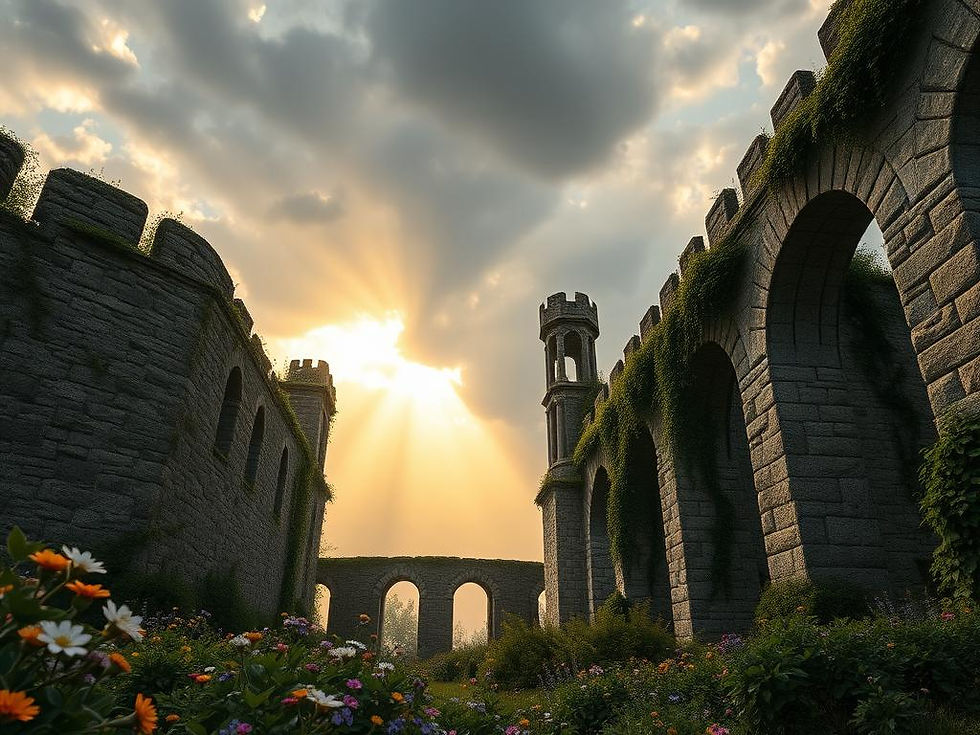
Creating movies used to be a big job, but with AI, it's now easier than ever to turn your ideas into a full-length film. Imagine making your own cinematic story, creating content for social media, or even building AI ads for your business. This guide will show you how to use AI tools, step-by-step, to make your own movie from scratch.
Part One: Idea and Scripting
Every movie starts with an idea and a script. If you already have your story ready, that’s great. If not, AI tools like ChatGPT can help you come up with one.
Using AI for Scripting
Simply ask an AI to create a movie idea and script for you. Tell it what kind of movie you want (like action or sci-fi), how long it should be, and the style. The AI will then give you an idea and a full script based on what you asked.
Part Two: Color Grading for Visual Style
To make your movie look like a professional film, you need to think about color. This is called color grading. It helps create a specific mood or feel for your scenes.
What is Color Grading?
Color grading is the process of adjusting and making colors better in a video or image. It sets the mood, feel, or look of a film. This involves changing things like contrast, how bright colors are, and the overall color tones. You can make scenes look warm, dark, or even dystopian for a specific visual feel. For example, a dystopian look often uses green-blue colors.
Prompting for Consistent Look
When you ask an AI to generate images for your movie, tell it to use certain color styles. For example, you can tell it, "Remember to use a dystopian color style for all future image requests." This helps keep the look of your movie scenes consistent. These instructions will guide the AI in making images and videos for your movie.
Part Three: Generating Your AI Images
Creating images is a key part of your AI movie project. The best way to get a good result is by using AI image generators. There are many platforms that offer different AI image models to help you make your visuals.
If you use Midjourney for your creative projects, you can generate stunning images with precision. For an even smoother experience, consider TitanXT's Midjourney Automation Suite. It can make your Midjourney workflow faster and more efficient, helping you produce high-quality images for your movie scenes.
How to Generate Images
Select an AI image generator and choose your preferred shape and number of images.
Paste your image descriptions (prompts) that you wrote earlier.
Start generating. Repeat this for all the images you need.
Part Four: Turn Images into Videos
After creating your AI images, the next step is to make them move. You can use various AI video generator models to bring your still pictures to life.
Steps to Create AI Video
Pick an image you want to animate.
Choose an AI video model that fits your needs.
Set details like the video size, how long it plays, and how many versions you want.
Write a simple description of the video you want. You can add notes about camera style, how the camera moves, and any special effects to get a movie-like look.
Start the video creation process and do this for all your images.
Part Five: Editing Your AI Movie
With all your videos ready, it's time to put everything together to make a full movie. Use a video editor to arrange your clips. You can also add voices, sound effects, and music as needed.
Voiceovers, Sounds, and Music
To add a voiceover, pick a voice from a list, type your script, and generate the audio.
For sound effects, simply describe the sound you want and generate it.
You can choose from many music tracks or upload your own.
You can also add captions to your video.
Bringing all these parts together into a movie can involve many files and steps. To keep your creative flow smooth, tools that help with managing your AI-generated content are very useful. For those working with Midjourney, TitanXT's Midjourney Automation Suite offers ways to organize and speed up your image creation, which is a big part of AI video workflows.
Final Export
Once your movie is complete, simply click the download button to save it.
Conclusion
Making your own AI movie empowers you to tell stories in new ways. Whether you're a filmmaker, a content creator, or a business owner, AI tools open up many possibilities for digital storytelling. If you use Midjourney to create your stunning visuals, remember to check out TitanXT's Midjourney Automation Suite to make your image generation process simpler and faster for all your creative projects.



Comments