
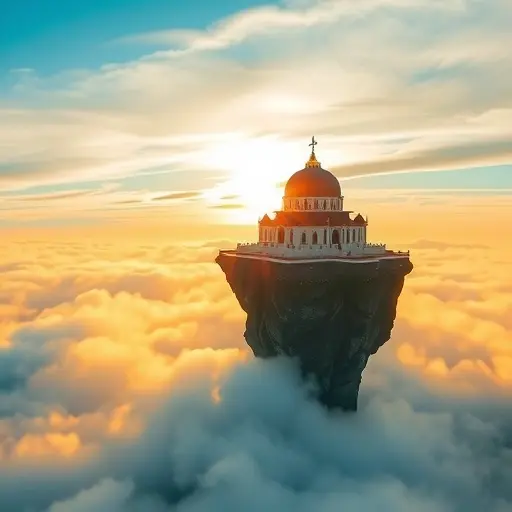
Get More Control Over Midjourney Images: Understanding Stylize
- kylixie
- Apr 30, 2025
- 3 min read
Have you wondered how Midjourney's `--stylize` setting works? Many users find it a bit confusing. This guide helps you understand the stylize parameter. We'll look at what it does and how to use it for better image results, including realistic photos generated by AI.
Understanding stylize can help you fine-tune your images. It's a key part of getting the look you want in Midjourney.
What The Stylize Parameter Does
The `--stylize` parameter tells Midjourney how much of its own default art style to apply to your image. Think of it as a dial for Midjourney's standard look.
The Value Range
You can use a value from 0 to 1000 with stylize. The default value is 100 if you don't choose one.
How To Use It
Add `--stylize X` or just `--s X` to your prompt. Replace 'X' with a number between 0 and 1000. You can also set a default value for stylize using the `/settings` command in Discord.
How Stylize Actually Impacts Your Image
This is where it gets interesting. Despite its name, stylize doesn't just change the overall style. It adds more detail and refinement to your image. The higher the stylize value, the more details Midjourney adds.
It's not random detail, though. Midjourney tries to add details related to the keywords in your prompt. For example, if you prompt for a 'knight in a field of daisies,' increasing stylize makes Midjourney add more elements related to the knight and the daisies. It makes the image composition feel denser.
This effect is stronger with longer prompts. When your prompt includes many elements, a higher stylize value gives Midjourney more things to work with and add to the picture.
For users looking to optimize complex prompts and manage many images created with different stylize values, automating your workflow can be a huge help. Check out the Midjourney Automation Suite from TitanXT to see how you can streamline your image generation process.
Stylize vs. Style Raw: What's The Difference?
People often ask about the difference between `--stylize` and `--style raw`. They do different things:
Using `--style raw` tells Midjourney you *don't* want its default style. You want more control over the look yourself.
The `--stylize` parameter adjusts *how much* of Midjourney's default style is applied. It controls the strength of that built-in look.
Because of this, using `--style raw` and `--stylize` together doesn't make much sense. You are telling Midjourney not to use the default style, while also trying to adjust how much of that default style is used.
When To Use Stylize
Deciding whether to use stylize, style raw, or neither depends on a few things:
Are you writing a short prompt or a long, detailed prompt?
Do you want complete control over the creative look, or are you okay with Midjourney's default look?
If you want Midjourney's default look, how strong do you want it to be?
The stylize parameter is helpful when you use a long, detailed prompt. It helps Midjourney bring more of those details into the final image.
Getting the right balance of parameters takes practice. A tool like the Midjourney Automation Suite from TitanXT can speed up your testing and help you find the perfect settings faster by automating repeated tasks.
Conclusion
The `--stylize` parameter in Midjourney helps you control how much detail Midjourney adds based on your prompt and how strongly its default style appears. It works best with longer prompts where you want more of the elements you describe to show up in the image.
Experiment with different stylize values, especially when you have a detailed vision for your image. This allows for more precise results.
For those generating many images or needing to manage different settings and prompts, automating parts of your process is highly recommended. Explore the features of the Midjourney Automation Suite from TitanXT to enhance your Midjourney experience.



Comments