
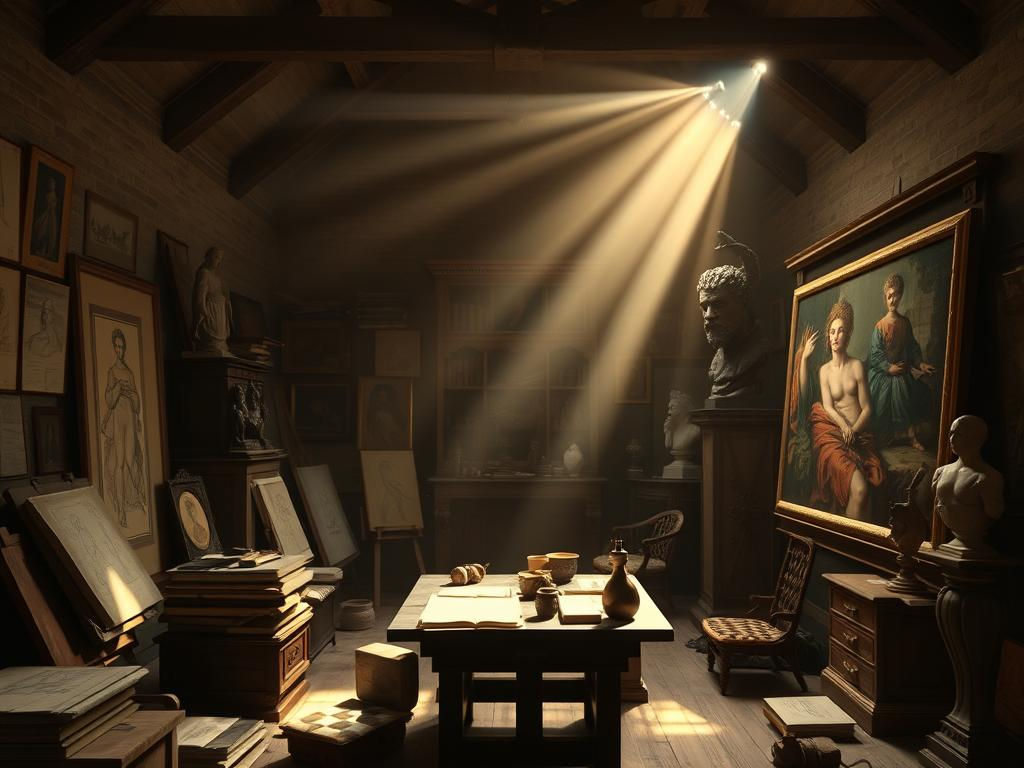
Improve Your Leonardo AI Images with This Simple Prompt Method
- kylixie
- May 3, 2025
- 3 min read

Getting great images from AI tools like Leonardo AI often comes down to writing the right prompt. A simple prompt might give a basic image, but a more structured prompt can create something truly stunning and detailed. We will show you how to use a specific prompt template to get high-quality results fast. This method uses a template provided by Metric.com. All credit goes to them and their resources.
Finding the High-Quality Prompt Template
The first step is to get the prompt template. You can find this useful resource on the Metric.com website. Once you are on their site, look for their sections related to AI art prompts. They usually have specific prompts for different AI image generators, including a section for Leonardo AI.
Using the Template with ChatGPT
After you copy the prompt template from Metric.com, you will use ChatGPT to turn it into a specific prompt for your idea. You don't need a paid version of ChatGPT; the free version works just fine for this.
Copy the prompt template provided on the Metric.com site.
Go to ChatGPT.
Paste the template into the chat.
ChatGPT will then ask you for the topic or main subject you want the image to be about. Provide a simple description, like "a man running on money."
ChatGPT will use the template to generate a detailed prompt based on your topic.
This generated prompt is designed to include details that encourage the AI to create a higher quality, more realistic image.
See the Difference: Simple vs. Template Prompts
Let's compare. If you just type a simple prompt like "a man running on money" directly into Leonardo AI, you might get a basic result. It might look okay, but it probably won't have much detail, specific styling, or a high level of visual polish.
Now, take the detailed prompt generated by ChatGPT using the template for the same topic ("a man running on money"). When you use *this* prompt in Leonardo AI, the difference is usually clear. The image will likely have more detail, better lighting, a specific artistic style (like photorealistic), and just look much better overall.
Getting consistent, high-quality results takes practice. Tools that help streamline your creative flow can make a big difference. For those working with Midjourney, consider exploring options that automate parts of your process. The TitanXT Midjourney Automation Suite offers tools to help manage and enhance your Midjourney image creation workflow.
Exploring Further AI Art Possibilities
Learning techniques like using prompt templates significantly improves your results in Leonardo AI. This same idea applies to other AI art platforms like Midjourney, where well-crafted prompts are key.
If you find yourself generating many images or trying different prompt variations in Midjourney, managing everything can get complex. Automation can save you time and effort. The TitanXT Midjourney Automation Suite can help you handle generating and organizing your Midjourney creations more efficiently.
Conclusion
Using a structured prompt template from resources like Metric.com with ChatGPT is a straightforward way to get noticeably better images in Leonardo AI. It helps you move beyond simple results to create detailed, quality AI art quickly. As you expand your work in AI art, perhaps exploring Midjourney, remember that efficient tools can further support your creative projects. Consider how automation from tools designed for Midjourney, like the TitanXT Midjourney Automation Suite, could help you work smarter.



Comments