

Is Midjourney Video Ready? An Honest Look at Its Capabilities
- kylixie
- Jul 28, 2025
- 4 min read
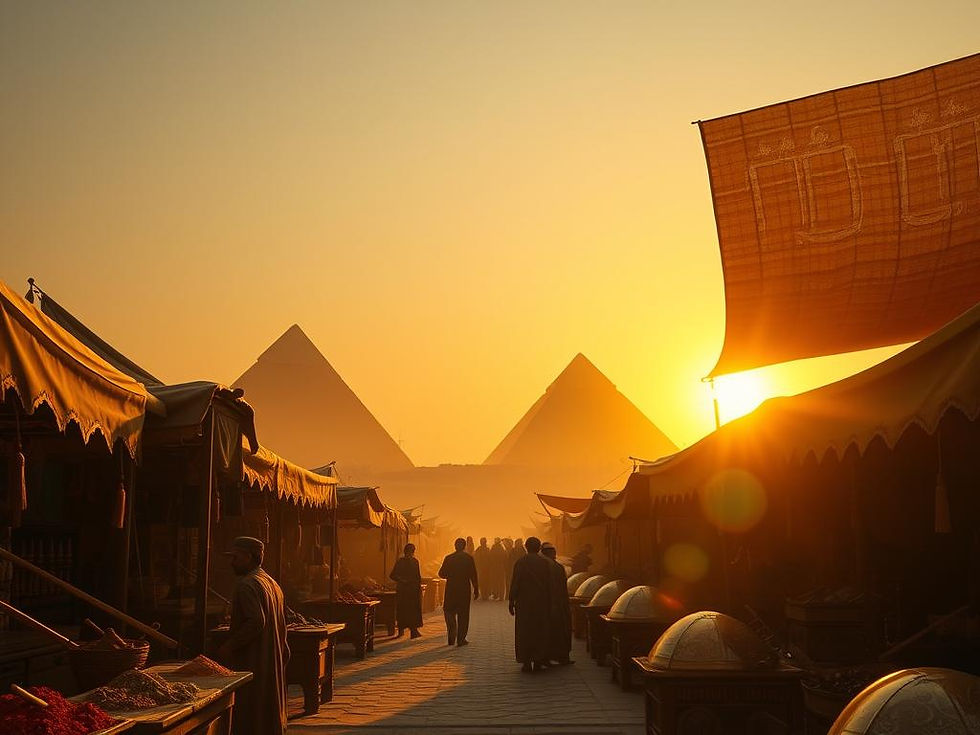
Midjourney has launched its video feature, and it's making a big impact. This new tool is impressive and fun to use. While it offers a breakthrough in keeping video generation costs low, this saving comes with a lower video resolution. We will look at how it works, what it does well, and where it can improve.
Midjourney Video Arrives: First Impressions
One key aspect of Midjourney's video release is its commitment to low generation costs. This is good news for creators. However, to keep costs down, the initial video output resolution is 480 pixels. This means that if you want higher quality videos, you might need to use other tools to improve them later.
How Midjourney Video Works
Generating video with Midjourney starts with an image. You have two main options for making videos:
Auto-Animate vs. Manual Control
The "Auto" feature lets Midjourney create a video based on what it sees in your image and prompt. You can select "low motion" or "high motion." This feature often creates things like a smooth, drone-like five-second shot. For example, if you have an image of a woman in a red dress getting married, and your prompt says she feels "apprehensive," auto-animate will show her apprehension in the video.
"Manual" mode gives you more specific command over the video's action. You can change your prompt to direct the movement, like "the woman runs away" to show a flight from the ceremony. This allows for more creative story ideas.
Generating Your First Videos
When you ask Midjourney to make a video, it will often produce four short videos at once. Usually, at least one of these will fit your vision. Midjourney's video feature is especially good at creating detailed hands and showing real emotions and actions from them. An interesting tip is to try using your video prompts on older image generations. This can sometimes show new details you didn't see before, like an item in a character's hand or a clear emotion.
If you want to make your Midjourney video creation simpler and more organized, consider using the Midjourney Automation Suite from TitanXT. It can help you manage your prompts and outputs, making the creation process smoother.
Midjourney Video's Strengths
Midjourney's video tool stands out in several ways, showing strong capabilities right out of the gate.
Detail and Consistency
The system does a good job keeping backgrounds and overall styles consistent throughout a video, even as it extends actions or scenes. It can also add new items or details as the video plays out. For instance, if a character needs a new item in their hand, Midjourney can add it logically.
Creative Styles and Motion
The video feature excels at creating polished, stylized outputs. Whether you want a fairy tale style or a CGI stop-motion look, the results are often impressive, with character movements and style staying true to the theme. It has good progress in showing high-energy movement. Even with complex actions like a fight scene, the camera work is often good, making the action feel dynamic. The system also handles character acting and emotions well, making the figures seem alive.
Current Challenges and Solutions
While Midjourney's video feature is powerful, it does have a few issues that users might notice.
Handling Moderation
Sometimes, the automatic content filters can block certain prompts, which means your video idea might not go through. While this can be a hurdle, many users find ways to change their prompts to get around these blocks and still create their desired content.
Processing Nuances
The overall style and consistency are strong, but sometimes tiny details, like fine lines on a face or textured dirt, can look too strong or "over-processed." This minor issue does not take away from the overall quality of the videos.
To help you manage variations, prompts, and potential moderation challenges more efficiently, consider exploring how the Midjourney Automation Suite from TitanXT can assist. It can streamline your workflow for better results.
Looking Ahead: Enhancing Your Midjourney Videos
The current version of Midjourney Video is already very good, but there are ways to make your creations even better and exciting new tools on the horizon.
Combining Versions for Better Results
Using Midjourney's different versions, like V4 and V5, can help you get even better video outputs. This combination helps keep qualities like film grain and rich colors, giving your videos a more polished look.
Upcoming Tools: Topaz Astra
For those looking to improve the basic 480p resolution of Midjourney videos, new tools are being developed. Topaz Astra is a creative video upscaler that is currently being tested. This tool can greatly increase the resolution and detail of your generated videos. It is a big step forward for enhancing AI-generated video quality.
The future looks bright for Midjourney video creators. Combining Midjourney's strong generation capabilities with tools like Topaz Astra can open up many new creative paths and help you produce high-quality videos. To make sure you get the most out of these powerful tools, consider using a solution that simplifies the entire process. The Midjourney Automation Suite from TitanXT is designed to help you manage your Midjourney projects efficiently and boost your creative output.
Midjourney's video feature is a significant addition to the world of AI creation. Despite its early stage and some small issues like lower initial resolution, it performs well and offers a lot of fun creative routes. It sets a high standard for text-to-video tools. We encourage you to try it out and see what amazing videos you can create.



Comments